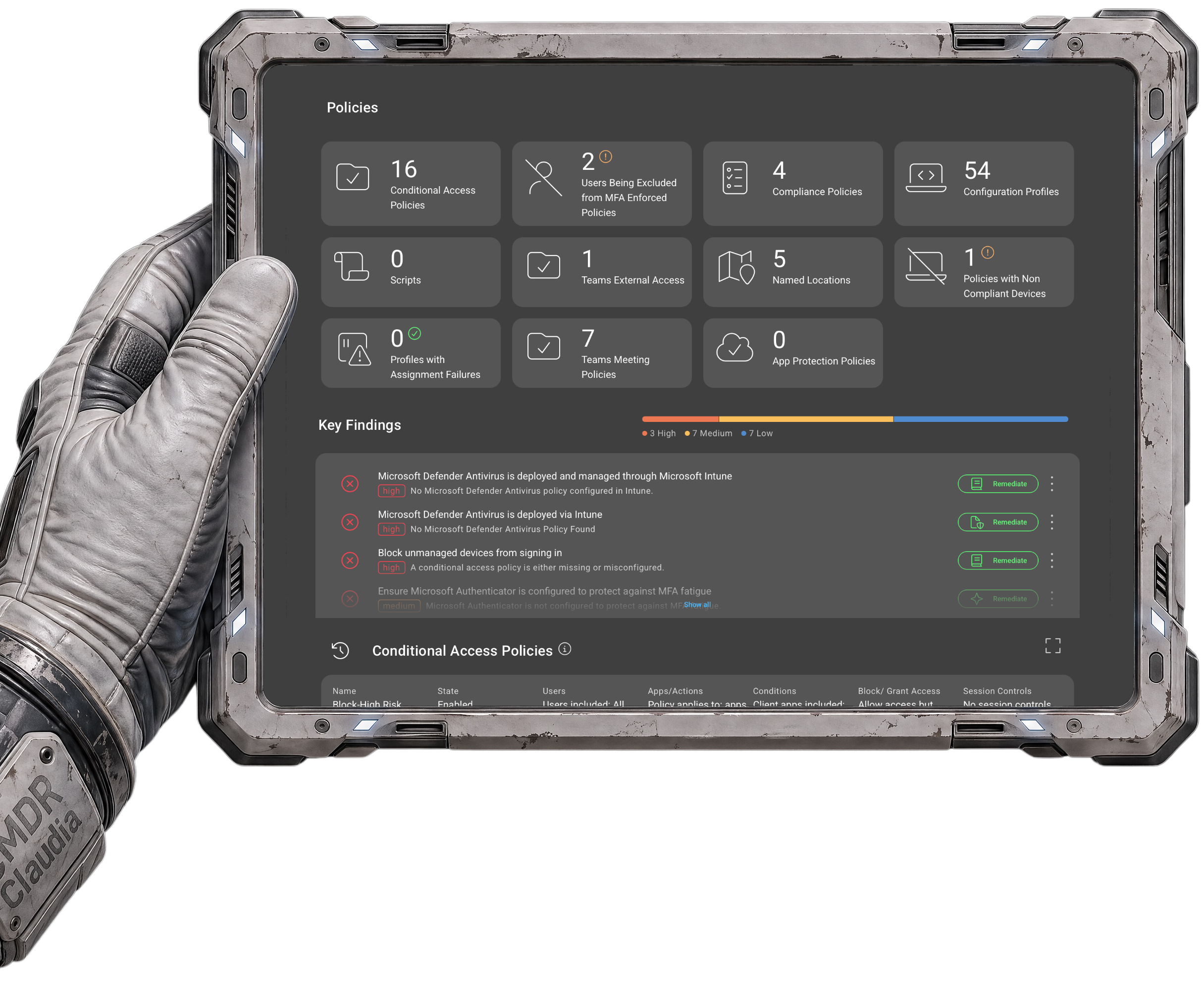
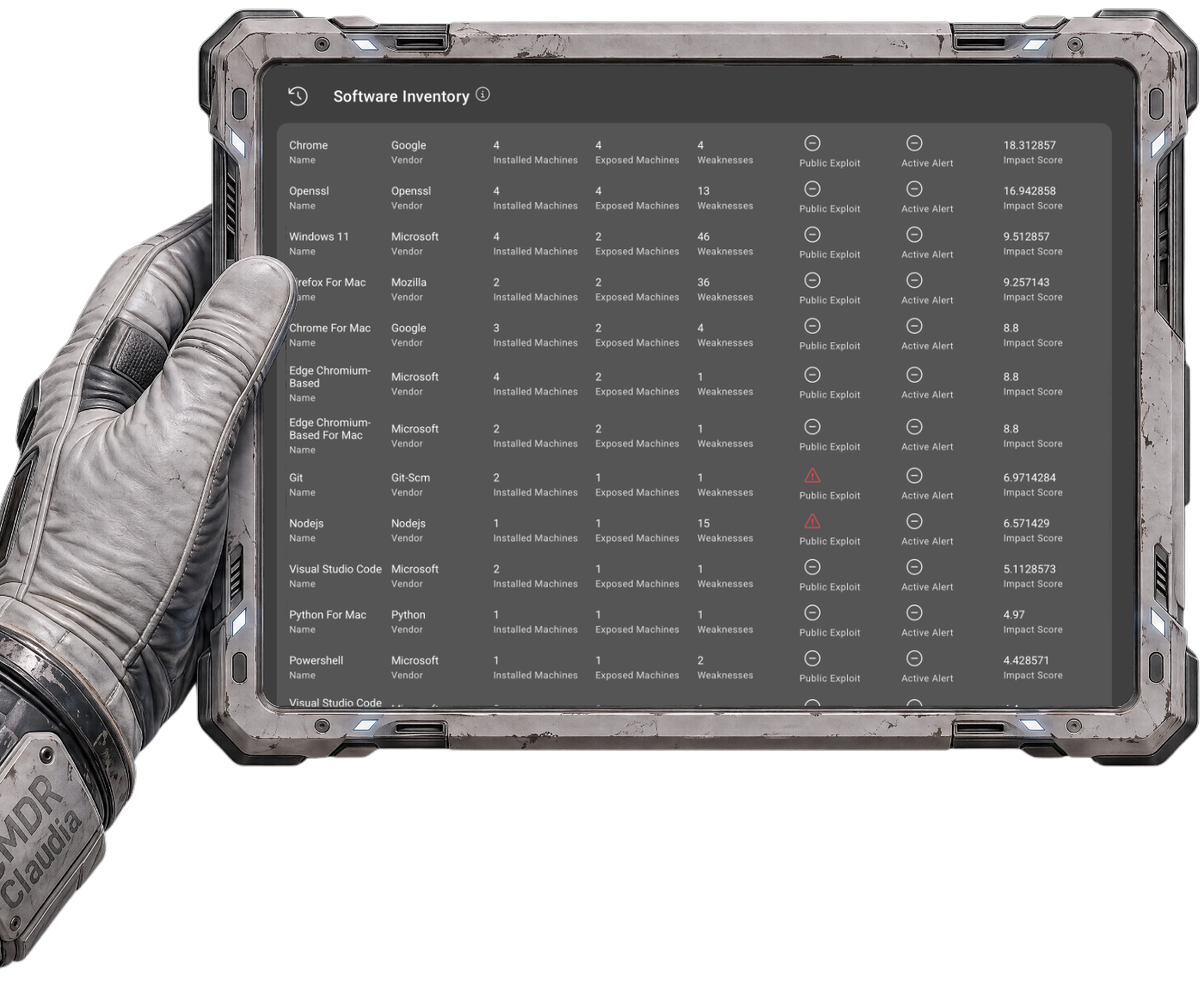
Manual doesn't scale. PowerShell, spreadsheets, admin centers, one tenant at a time. Stitching tools together doesn't either. Three platforms in, still no clean answer when a client asks what changed. CloudCapsule covers assessment, remediation, and monitoring in one platform. Every tenant, every scan, every fix.
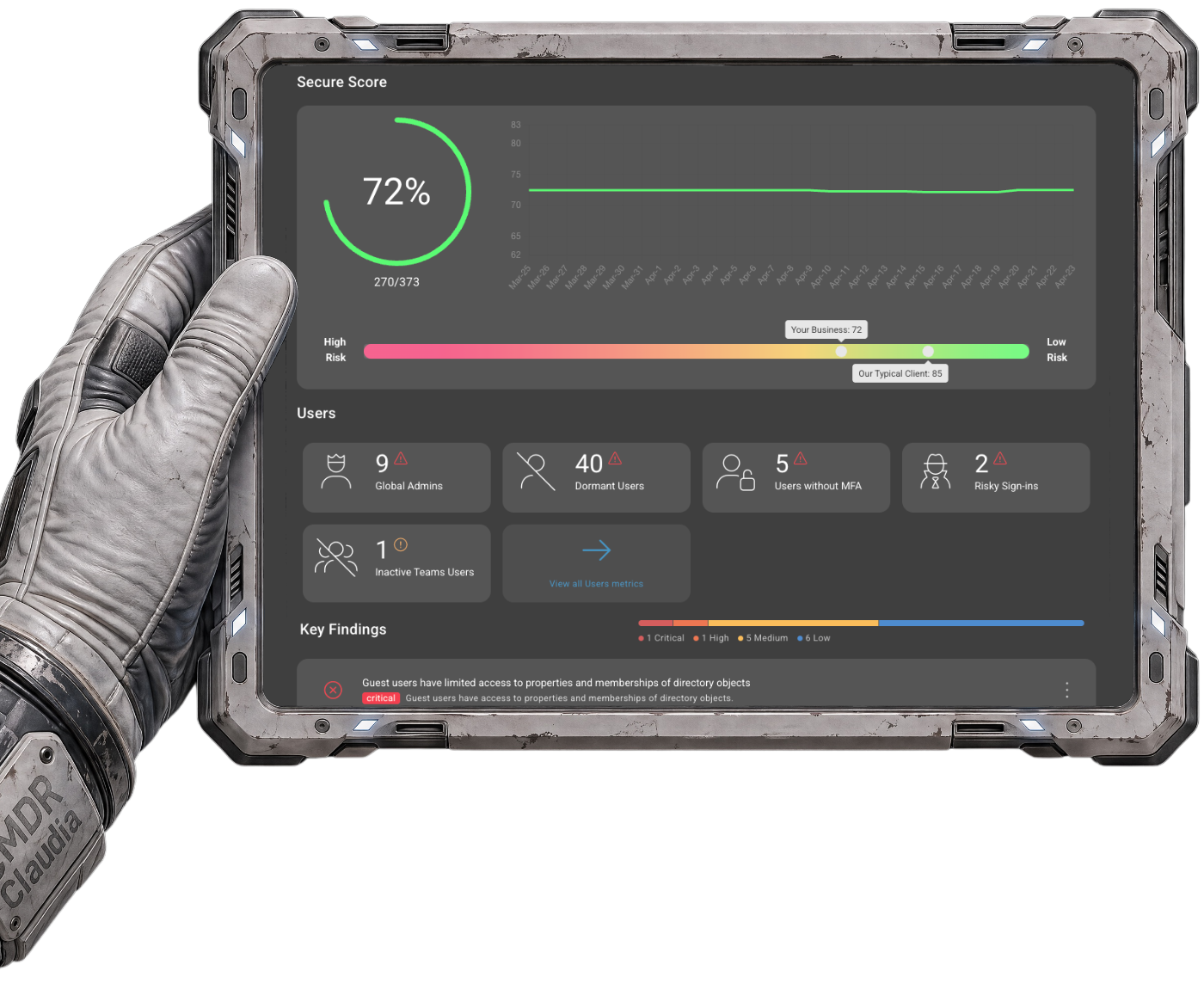
See every misconfiguration in every tenant before your morning standup. No PowerShell, no spreadsheets, no half-day audits that go stale by next week.
Without CloudCapsule
Five admin portals, PowerShell scripts, and spreadsheets. 6 to 10 hours per tenant, every time.
With CloudCapsule Analyze
One console, 250+ controls, 60 seconds. Each tenant, every time.
CloudCapsule Analyze:
2. MAP
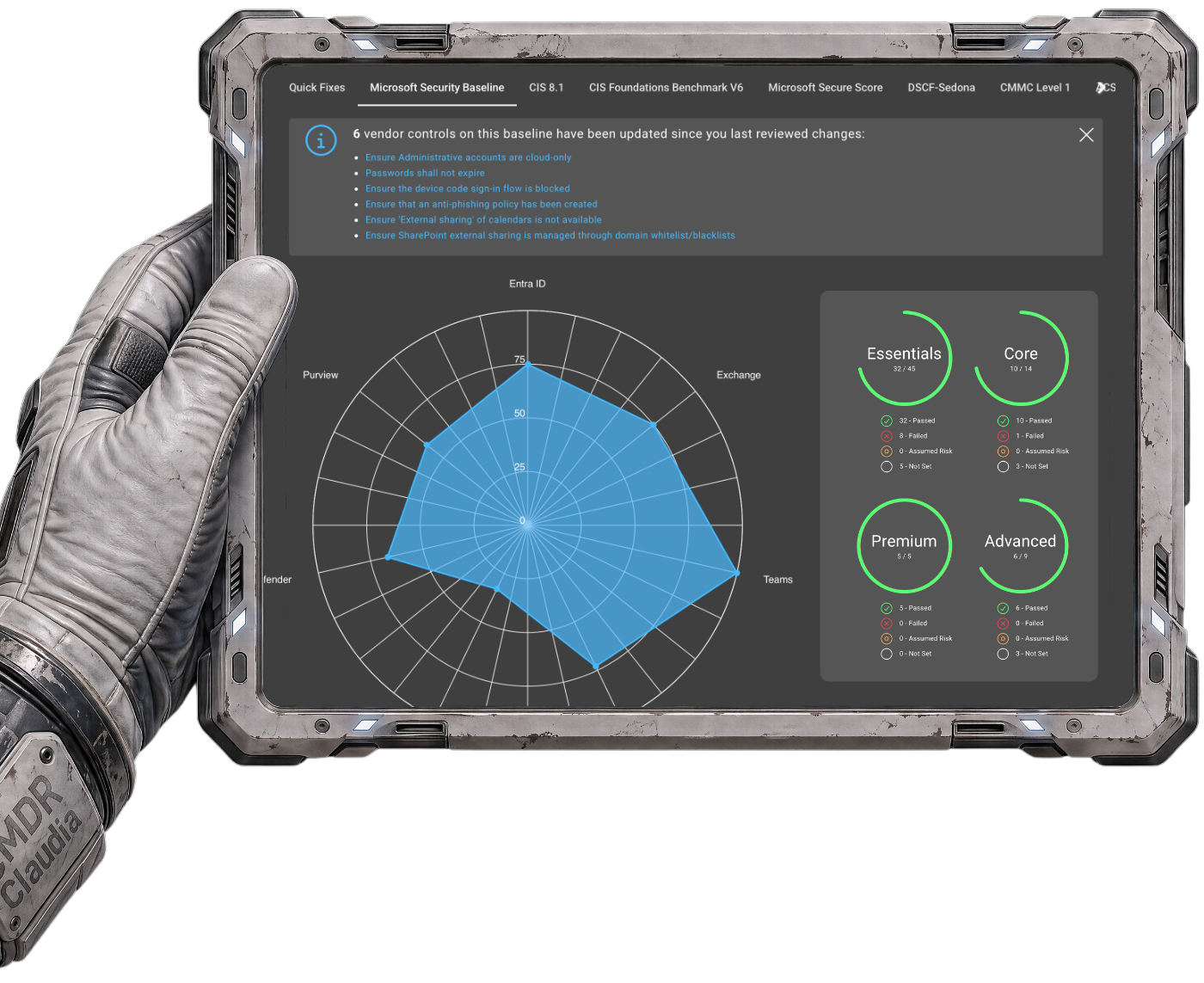
Raw findings don't pass audits, satisfy insurers, or justify a remediation quote. Framework mapping turns a list of misconfigurations into something a vCISO, an auditor, or an underwriter can actually use.
Without CloudCapsule
Findings with no compliance context. Hours of manual cross-referencing to figure out which framework each gap violates.
With CloudCapsule Analyze
Every finding mapped to CIS, NIST, Essential 8, and cyber insurance requirements, with impacted users, licensing notes, and remediation guidance attached.
CloudCapsule Analyze:
3. REPORT
The gap between "we did security work" and "here's the proof" lives in the report. Client-ready PDFs and data exports come out branded the moment the scan finishes.
Without CloudCapsule
No insurance evidence for underwriters. Reports built manually from scratch, if they get built at all.
With CloudCapsule Analyze
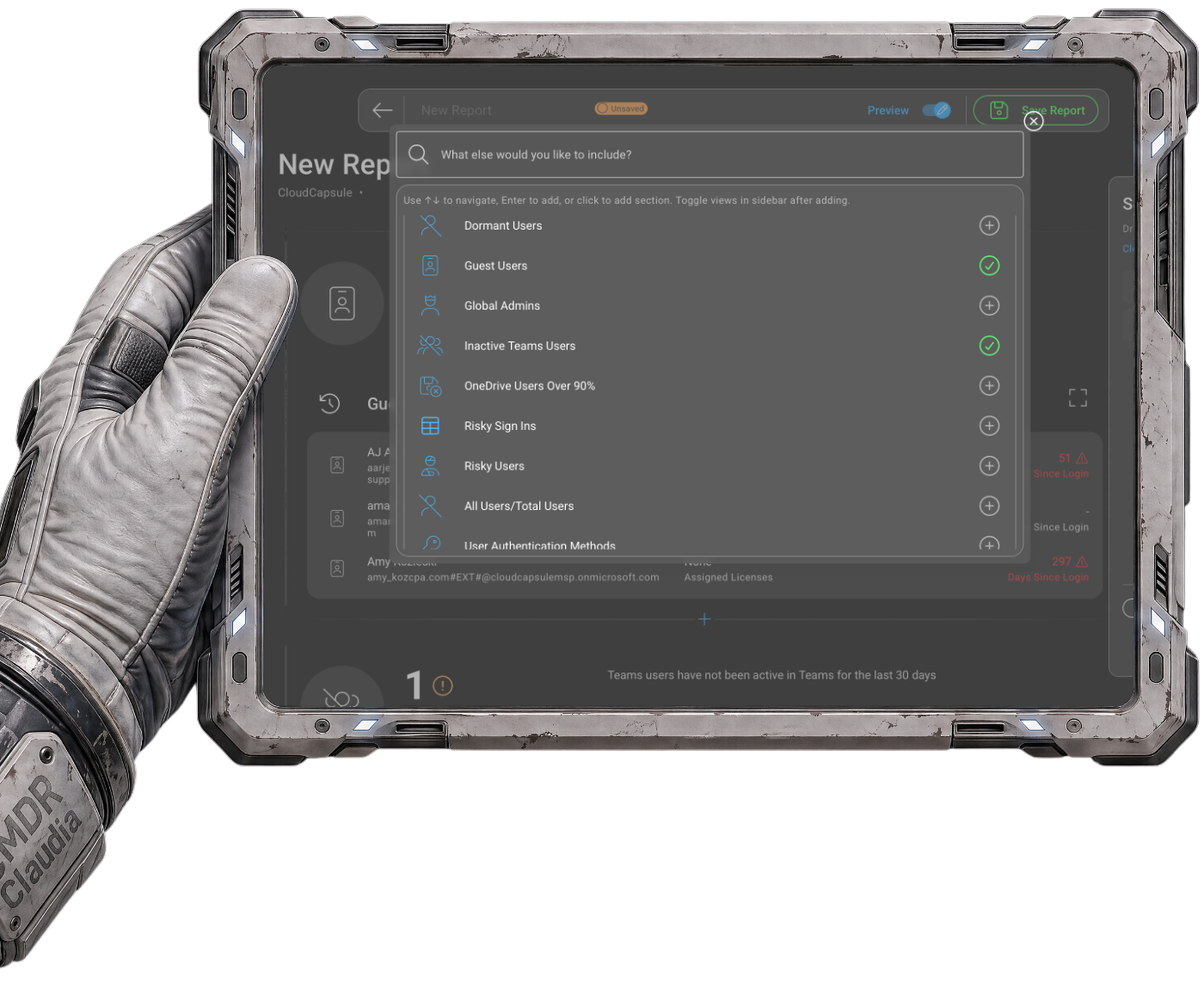
White-label PDFs for executives, Excel exports for auditors and insurers, ready the second the scan completes.
CloudCapsule Manage:
4. FIX
Finding the problems is the easy part. Fixing them across dozens of tenants without breaking end users or burning out senior engineers is where most MSPs get stuck.
Without CloudCapsule
Weeks of research and testing to build a remediation plan per client. Senior engineers pulled into every configuration change.
With CloudCapsule Manage
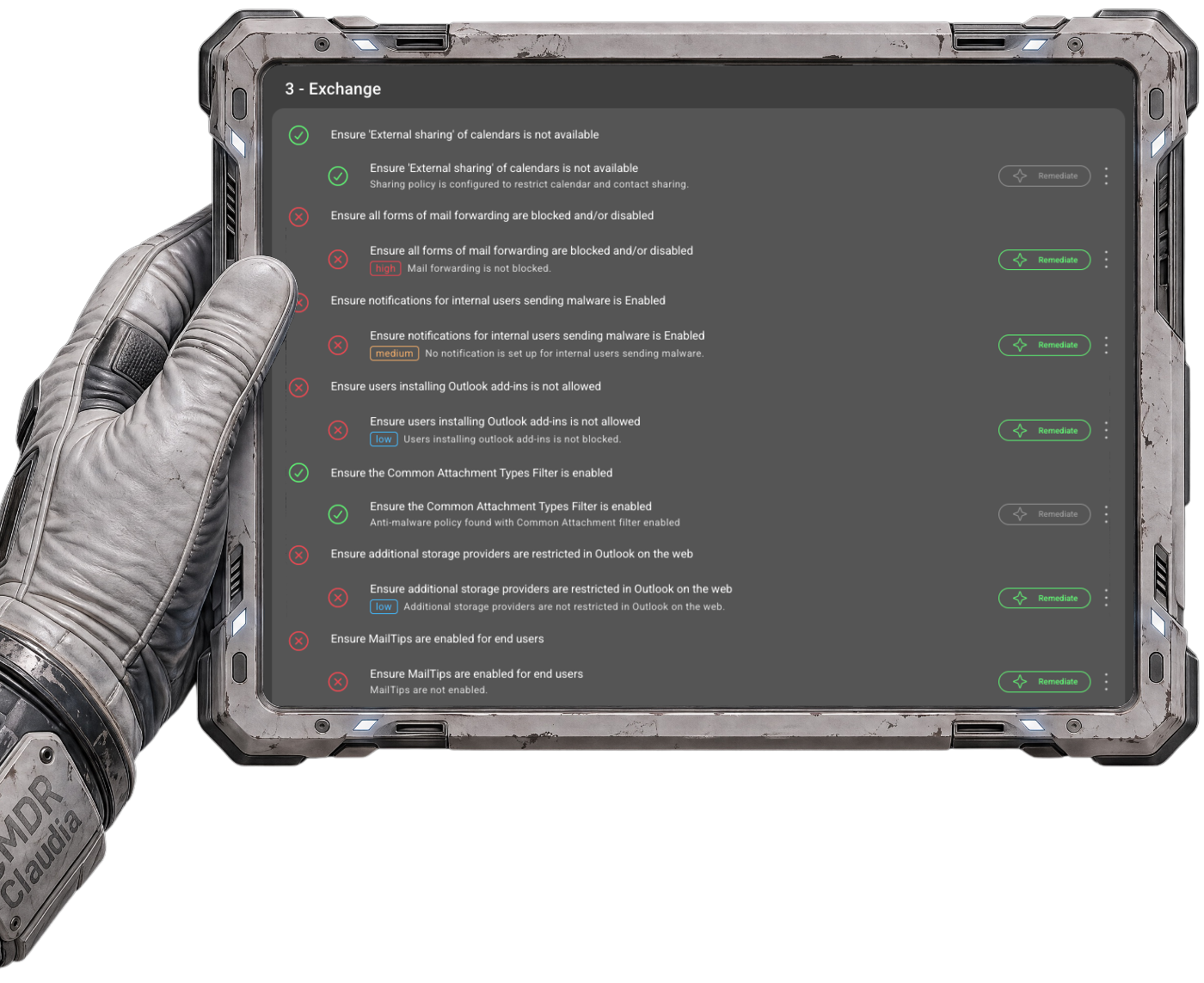
Quick Fixes apply in a click, Guided Workflows let junior techs execute senior-level changes safely, and Capsules deploy proven baselines across tenants in minutes.
CloudCapsule Manage:
5. TRACK
Security isn't a one-time project. Settings drift, tenants change, and controls that passed last quarter can quietly fail this one. Drift detection catches reversions before the client does.
Without CloudCapsule
No way to know if a fix reverted until the next manual check, assuming anyone remembers to run one.
With CloudCapsule Manage
Drift Detection flags reversions as they happen, 120 days of trend data shows posture moving in the right direction, and every scan compares cleanly to the last.
CloudCapsule Manage:
6. PROVE
QBRs, audits, insurance renewals, and client retention all hinge on documented proof. Every client conversation becomes "here's what changed, and here's why it matters."
Without CloudCapsule
QBRs only show what was found, not what improved. No audit trail for risk decisions or compensating controls.
With CloudCapsule Manage
Delta Reports and trend data document improvement at every QBR. Annotations capture the reasoning behind every exception. Evidence packages satisfy auditors and underwriters on demand.
CloudCapsule Analyze:
1. SCAN
See every misconfiguration in every tenant before your morning standup. No PowerShell, no spreadsheets, no half-day audits that go stale by next week.
Without CloudCapsule
Five admin portals, PowerShell scripts, and spreadsheets. 6 to 10 hours per tenant, every time.
With CloudCapsule Analyze
One console, 250+ controls, 60 seconds. Each tenant, every time.
CloudCapsule Analyze:
2. MAP
Raw findings don't pass audits, satisfy insurers, or justify a remediation quote. Framework mapping turns a list of misconfigurations into something a vCISO, an auditor, or an underwriter can actually use.
Without CloudCapsule
Findings with no compliance context. Hours of manual cross-referencing to figure out which framework each gap violates.
With CloudCapsule Analyze
Every finding mapped to CIS, NIST, Essential 8, and cyber insurance requirements, with impacted users, licensing notes, and remediation guidance attached.
CloudCapsule Analyze:
3. REPORT
The gap between "we did security work" and "here's the proof" lives in the report. Client-ready PDFs and data exports come out branded the moment the scan finishes.
Without CloudCapsule
No insurance evidence for underwriters. Reports built manually from scratch, if they get built at all.
With CloudCapsule Analyze
White-label PDFs for executives, Excel exports for auditors and insurers, ready the second the scan completes.
CloudCapsule Manage:
4. FIX
Finding the problems is the easy part. Fixing them across dozens of tenants without breaking end users or burning out senior engineers is where most MSPs get stuck.
Without CloudCapsule
Weeks of research and testing to build a remediation plan per client. Senior engineers pulled into every configuration change.
With CloudCapsule Manage
Quick Fixes apply in a click, Guided Workflows let junior techs execute senior-level changes safely, and Capsules deploy proven baselines across tenants in minutes.
CloudCapsule Manage:
5. TRACK
Security isn't a one-time project. Settings drift, tenants change, and controls that passed last quarter can quietly fail this one. Drift detection catches reversions before the client does.
Without CloudCapsule
No way to know if a fix reverted until the next manual check, assuming anyone remembers to run one.
With CloudCapsule Manage
Drift Detection flags reversions as they happen, 120 days of trend data shows posture moving in the right direction, and every scan compares cleanly to the last.
CloudCapsule Manage:
6. PROVE
QBRs, audits, insurance renewals, and client retention all hinge on documented proof. Every client conversation becomes "here's what changed, and here's why it matters."
Without CloudCapsule
QBRs only show what was found, not what improved. No audit trail for risk decisions or compensating controls.
With CloudCapsule Manage
Delta Reports and trend data document improvement at every QBR. Annotations capture the reasoning behind every exception. Evidence packages satisfy auditors and underwriters on demand.
Flat-rate assessment across every tenant without adding headcount. Per-tenant cost drops as you grow. Every scan produces a client-ready report and insurance evidence package, turning assessment into a sellable deliverable.
Every finding mapped to CIS, NIST, Essential 8, and insurance requirements with impacted users, licensing context, and remediation guidance. Starter playbooks translate findings into a prioritized roadmap for every client conversation and audit.
One console instead of five admin portals and PowerShell scripts. 250+ controls in 60 seconds. The data explorer surfaces patterns across your portfolio so you can spot shared gaps and build remediation projects from a single view.
The prospect consent link turns an introduction into a live assessment in under a minute. Walk in with a white-label report instead of a pitch deck. The findings open the conversation.
Capsules compress weeks of senior-engineer work into sessions your L1 techs can deliver. Security becomes a repeatable, billable practice. Margins hold because the labor model changes.
Progressive playbooks give every client a phased roadmap tracked to completion. Delta reports show what changed between scans. Annotations document every risk decision for auditors and insurers.
Quick fixes for the simple items, guided workflows for the complex ones, Capsules for baseline rollouts. Drift detection flags what changed so nothing quietly reverts.
Delta reports turn every QBR into documented proof of improvement. Co-managed access lets clients see their own posture improving. When they can see the work, they stay.
See it in action.
See what it looks like when assessment, remediation, and proof live in the same view.